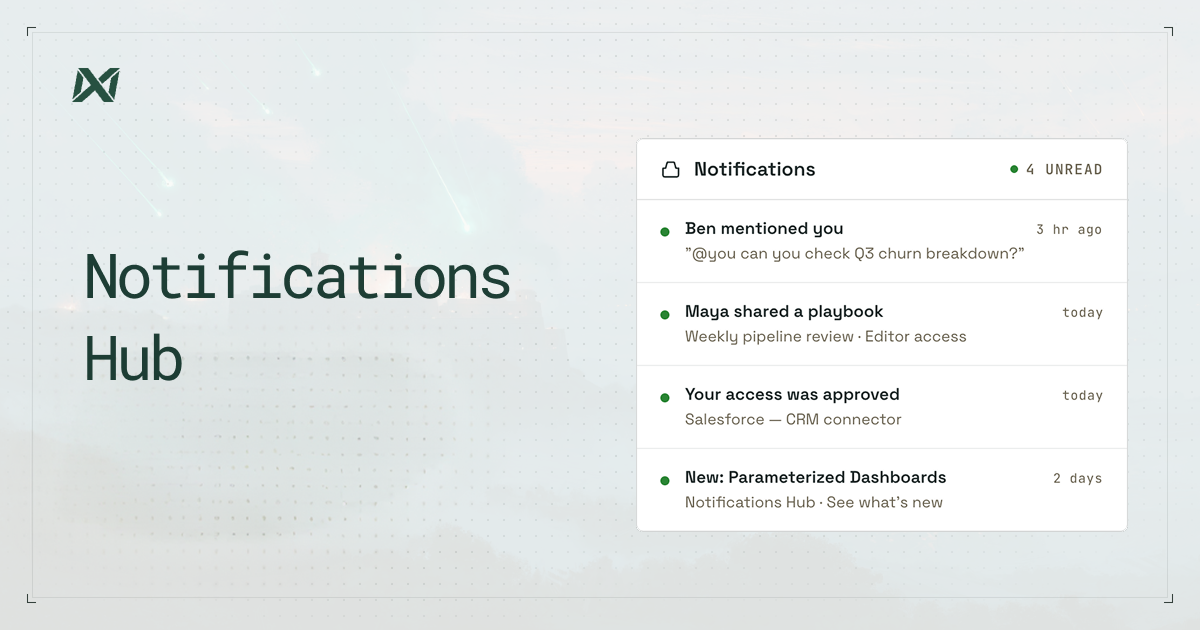
Important moments move fast while you're using Ana. An agent surfaces something relevant, a teammate shares an analysis, an admin sends an update. Today we're introducing the Notification Hub to make sure you catch all of it. Find it in your left sidebar.
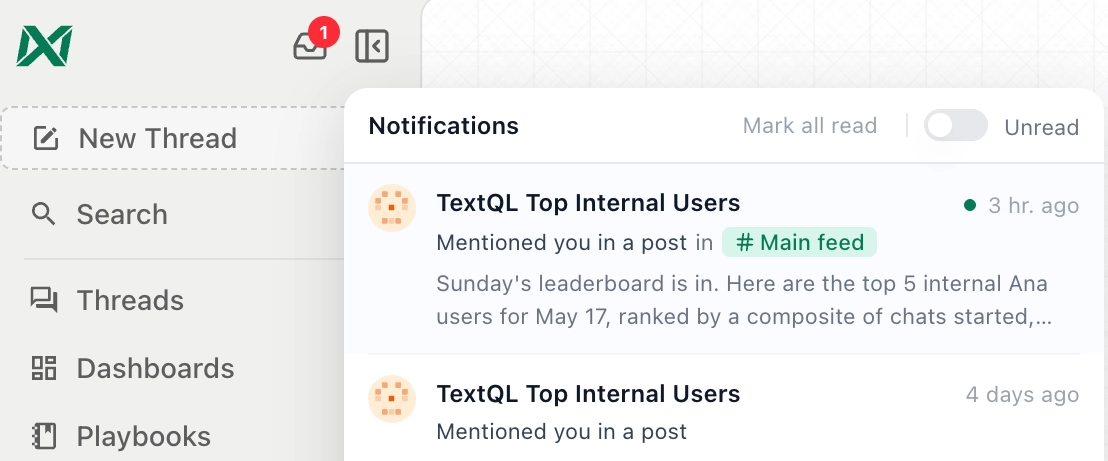
When someone mentions you
If a teammate or an AI agent tags you in a post or comment, you will see it here immediately. No more hunting through threads to find out someone needed your attention. The mention comes to you, with a preview of what was said and a direct link to the conversation.
When something is shared with you
When a colleague shares a thread, a playbook, a dashboard, or an agent with you, the Notification Hub is where that handoff lands. You will see exactly what was shared, who shared it, and what level of access you have been granted. Then you can jump straight to it.
When you need access to something
If you try to access content that is gated, you can request access directly. The owner gets notified, and once they approve or deny it, you hear back through the same hub. The whole loop, from request to decision to confirmation, happens in one place without any back-and-forth over Slack or email.
When your organization has something to say
Admins can send announcements directly to your notification hub: product updates, policy changes, important reminders. These can include a direct link to take action, so you are never left wondering what to do next.
Built to scale with you
Everything in the hub is paginated and persists over time, so you can scroll back through what you missed. You can filter to unread only, mark everything as read in one click, and personalize exactly how you are notified from your Settings page. Choose which events reach you and whether they come in-app, by email, or eventually via Slack.
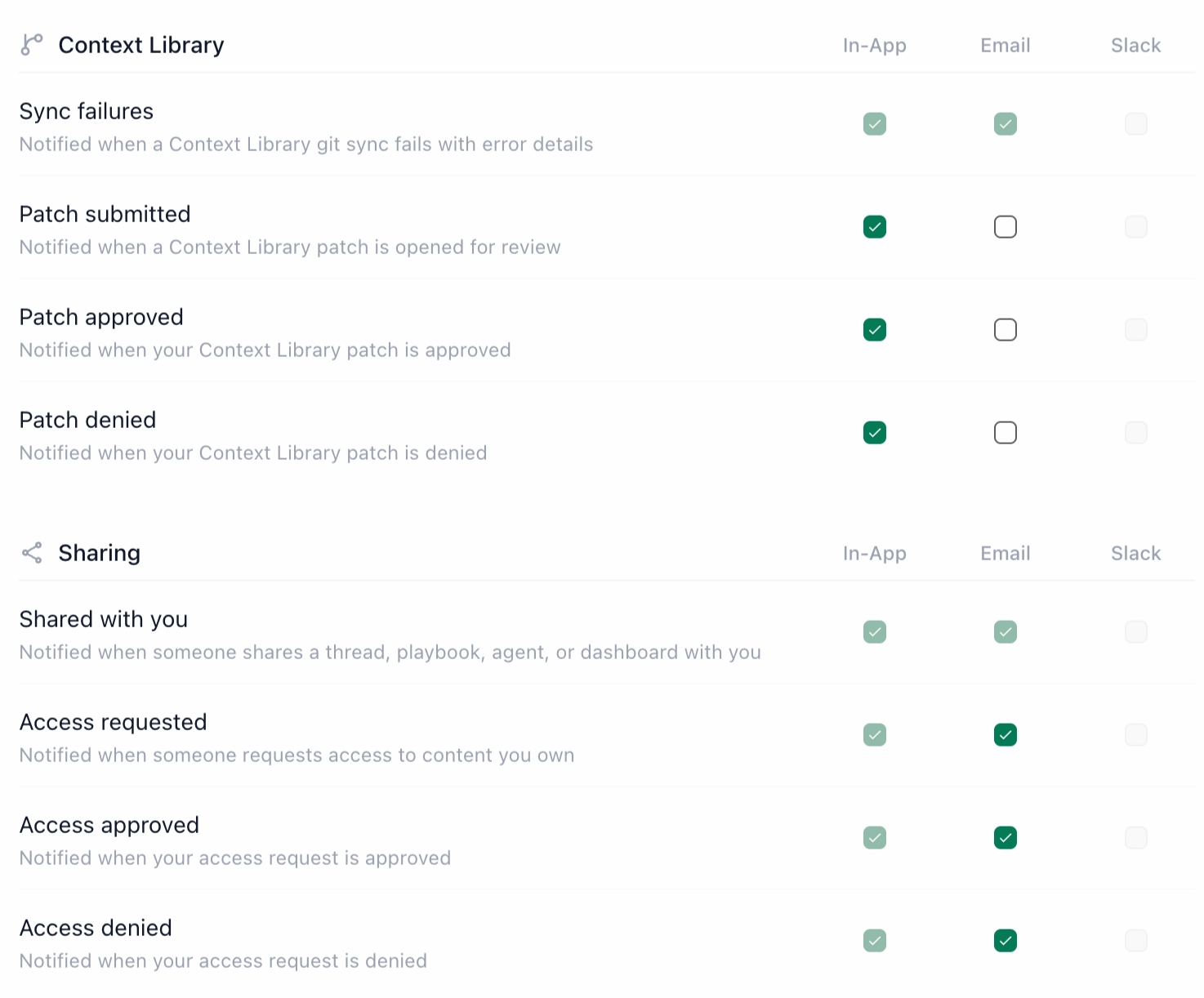
The Notifications Hub is rolling out today to all TextQL workspaces as a beta feature. Turn it on under Settings → Beta Features, then look for the new icon in your left sidebar.