
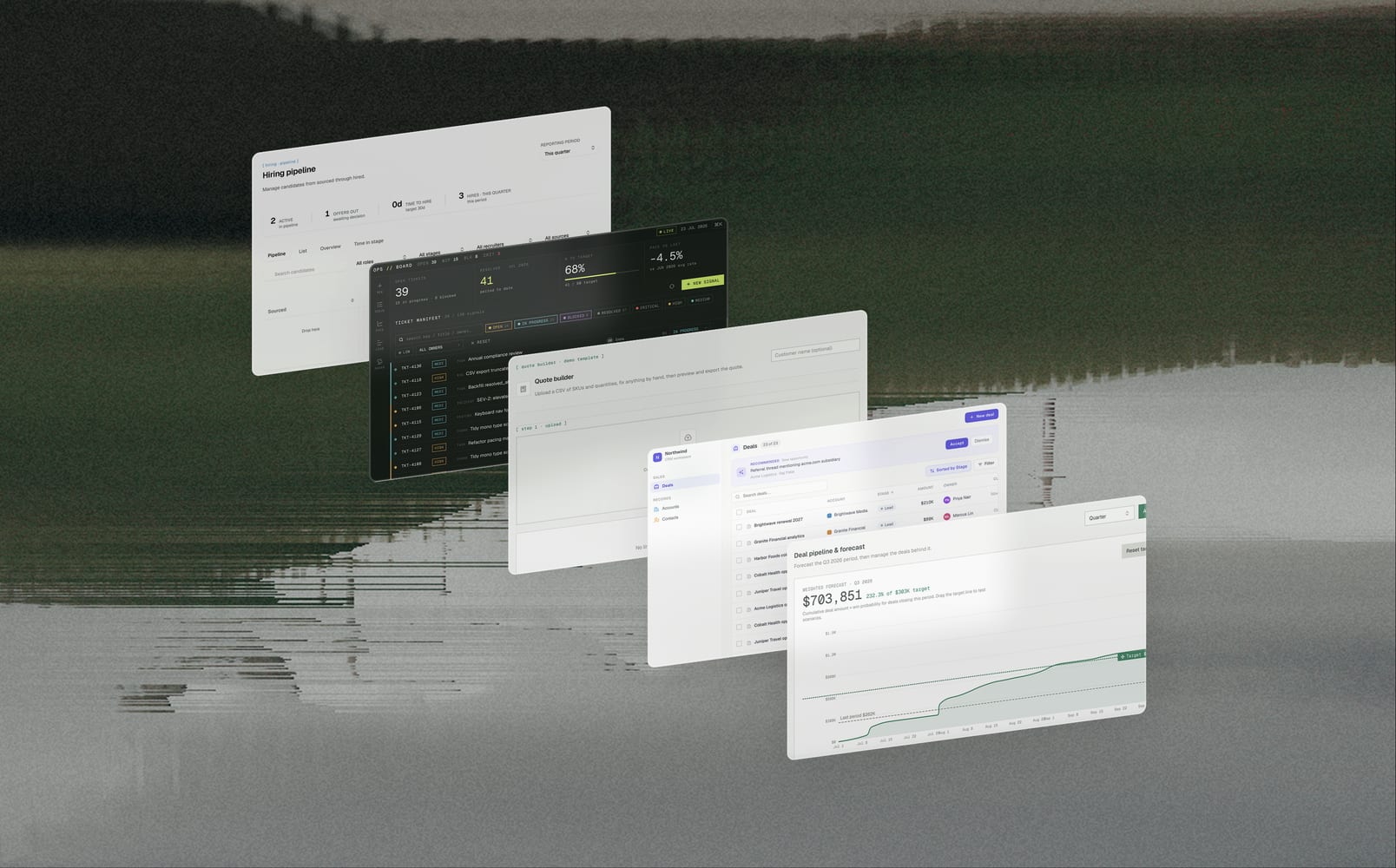
Yesterday, TextQL launched Data Apps, the evolution of Dashboards, letting you write, not just read. They're your own custom tools, built right inside TextQL—connected to live data, clean-looking, and open at a link anyone can share. Spin one up in minutes, and reshape it just as fast when your needs change.
Here are five to start with. Hover over any one to copy its prompt.
1. Ticketing Tool
Create tickets, assign owners, and move work through your statuses in one queue. Track resolved-vs-target on a pacing chart, drag the target to test scenarios, and pin annotations for sprint boundaries, incidents, or launches right on the dates they happened. With this Data App, you can work the queue and read the pace in the same place, so what's on screen is what your whole team is actually working from.
2. Hiring Portal
Move candidates through every stage with a funnel showing where they drop off and a flag on anyone stuck too long at one step. Add, edit, and reassign candidates, filter by role, stage, or recruiter, and track offers out and time-to-hire as you go. You get one live view of where every candidate actually stands, with your whole team working off the same information.
3. Quote Builder
Drop in any CSV and map its columns to what they mean—identifier, value, category—instead of forcing your file into a fixed template. Set validation rules inline (required, numeric range, allowed values), and every row that fails gets flagged with the reason so you can fix it right in the table. Preview the exact output before you commit, then export a clean CSV or a formatted PDF with totals. Most import tools break the moment your file doesn't match their schema, so you spend the time reshaping the file to fit the tool. This bends to your file instead, and you decide what the columns mean.
4. Customer Relationship Management Tool
Create and manage deals, accounts, and contacts, edit anything inline. It also reads your email and Slack to suggest deals you haven't logged yet: a thread that looks like a new opportunity, a contact who's gone quiet. Accept the ones that matter and skip the rest, so your pipeline stays current without the busywork. CRMs are tedious and nobody keeps it updated. This one watches where the work actually happens and suggests what to add, so staying current is a click, not a chore.
5. Deal and Pipeline Forecast Tool
Every open deal lands in one view rolled into a weighted forecast against your target. Move deals through stages, drag the target line to test a scenario, and watch the forecast and KPIs recalculate live. A dashboard is read-only and ad-hoc chat is just answers. With a Deal and Pipeline Forecast Tool, you move a deal to Negotiation and the forecast updates on your real pipeline.
Where your data goes to work
A Data App turns your insights into something you actually operate in: the same numbers, now a tool your team opens every day instead of a report you wait on. Start with any of the five above, or describe the one your team actually needs.