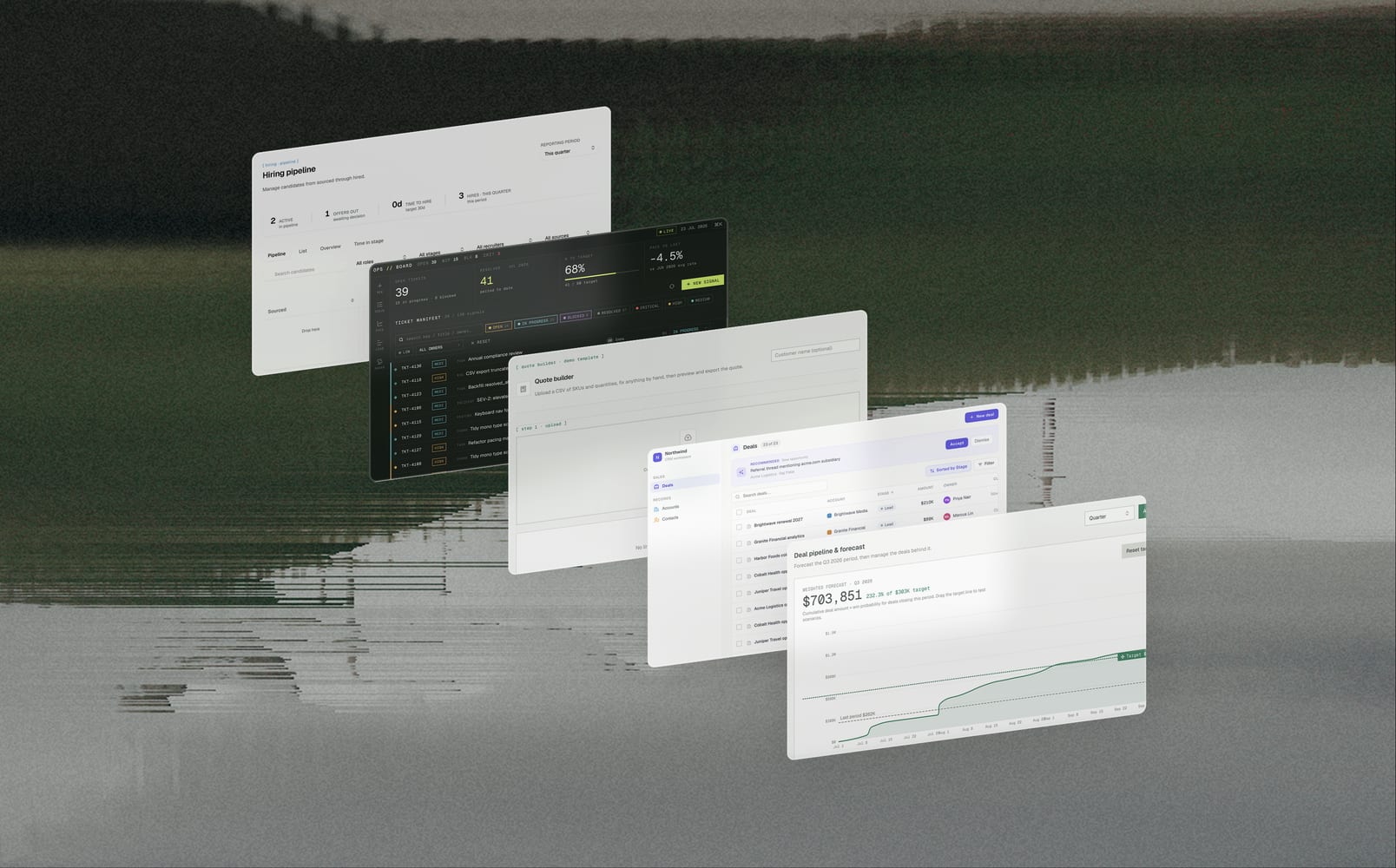
Until now, every Data App got styled on the fly, leaning on the same stock "Editorial" look built into the agent. Build five, ten, or twenty of them and they all come out looking alike — consistent, but consistently ours rather than yours. Today, we're introducing design systems: you decide what the default looks like, and give individual apps a different one when you want.
What is a design system?
A design system is a named, versioned visual identity for your Data Apps. You customize the accent colors, type, and components — and every new app you build gets stamped with it. Think of it like a recognizable pen color or a camera filter applied to all your work, but it's scoped to your Data Apps and readable by the agent that builds them.
Under the hood, the system is a small package with three parts:
- The rules: a config file defining colors, fonts, spacing, and shapes
- The paint: the stylesheet applied to your app's buttons, cards, and tables
- The guide: a written style guide plus a set of example pages that render the style for real
"Editorial," the default every app ships with today, is itself one of these systems, so you already have a working example to look at:
editorial/
├── readme.md
├── theme.json
├── styles.css
├── thumbnail.html
├── foundations/
│   ├── color.html
│   └── typography.html
├── components/
│   ├── buttons.html
│   ├── cards.html
│   └── table.html
└── templates/
    └── landing.html
Using them
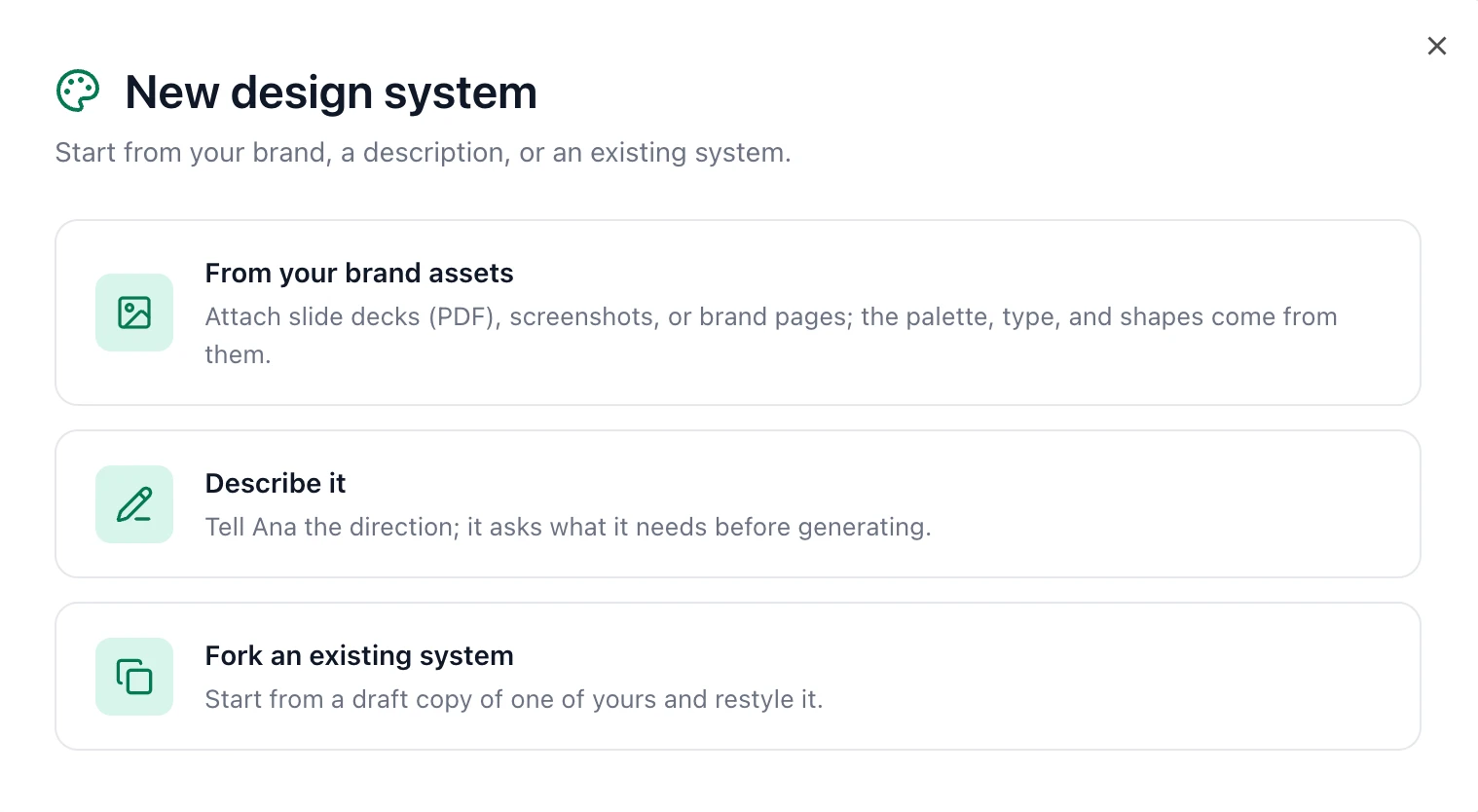
You can use design systems from Settings → Appearance → Data App design systems, or start from New Thread → Data App → Design Systems. Click "New design system" and pick one of three ways in:
- Build from your brand assets: attach slide decks, screenshots, or brand pages, and the palette, type, and shapes come from them
- Describe it: tell Ana the direction and she asks what she needs before generating
- Fork one: take a draft copy of a system you already have and restyle it
How it works behind the scenes
Design systems live in your ontology, alongside the rest of your modeling, so a system is something your org owns and versions rather than a setting that hangs off one app.
When you build an app, it takes a copy of the system's styling at that moment. Editing a system later won't reach back and change apps you've already built, and setting a new org default won't repaint your existing ones. When you do want an old app on a new system, you rebind it explicitly paired with a restyle.
The bound system's styling gets injected at publish time, and Ana gets that system's style guide as part of her build instructions, so she composes new UI in the right voice from the start instead of styling generically and getting corrected after.
To use design systems, you must have Data Apps enabled for your org. Anyone with read access can browse the gallery and open any system to look at it, while creating, editing, or setting the org default requires org-admin permission.